

“This post includes affiliate links, which help support my site! If you decide to purchase something after clicking one, I’ll receive a commission, but the price you pay stays exactly the same. Thanks so much for reading and supporting the blog!”
Turbocharge Your WordPress Site: Why the Ultimate Addons for WPBakery Page Builder is a Game-Changer!
Hey there, fellow website warrior! Whether you’re a busy business owner, a dynamic blogger, a meticulous web designer, or an agency building sites left and right, you know the drill: WPBakery Page Builder (that workhorse, formerly known as Visual Composer) is fantastic for dragging and dropping your way to a beautiful WordPress site.
But let’s be real—sometimes, even the best tools need an upgrade. You hit a wall when you need that extra design flair, that unique element, or that must-have interactive feature that the core plugin just doesn’t offer. You start thinking about custom coding, which eats up time and money, or you settle for a design that’s… well, a bit “meh.”
Stop settling!
Enter the absolute beast of an extension: Ultimate Addons for WPBakery Page Builder.
This isn’t just a small pack of extra buttons; this is the WP Bakery turbo-boost you didn’t know you were missing! Think of it as a massive, perfectly organized toolbox that snaps right onto your existing WPBakery Page Builder interface, instantly multiplying your design power without writing a single line of code.
Ready to see how this add-on can transform your workflow and your website? Let’s dive into the ultimate breakdown!
1. The Ultimate Power-Up: Key Features That Will Blow Your Mind
What makes the Ultimate Addons for WPBakery Page Builder a must-have? It’s the sheer volume and quality of its premium elements, all crafted by the clever folks at Brainstorm Force (the same team behind awesome tools like Astra and ConvertPro). This is a professional-grade kit designed to create genuinely unique and engaging websites.
Here are the standout features:
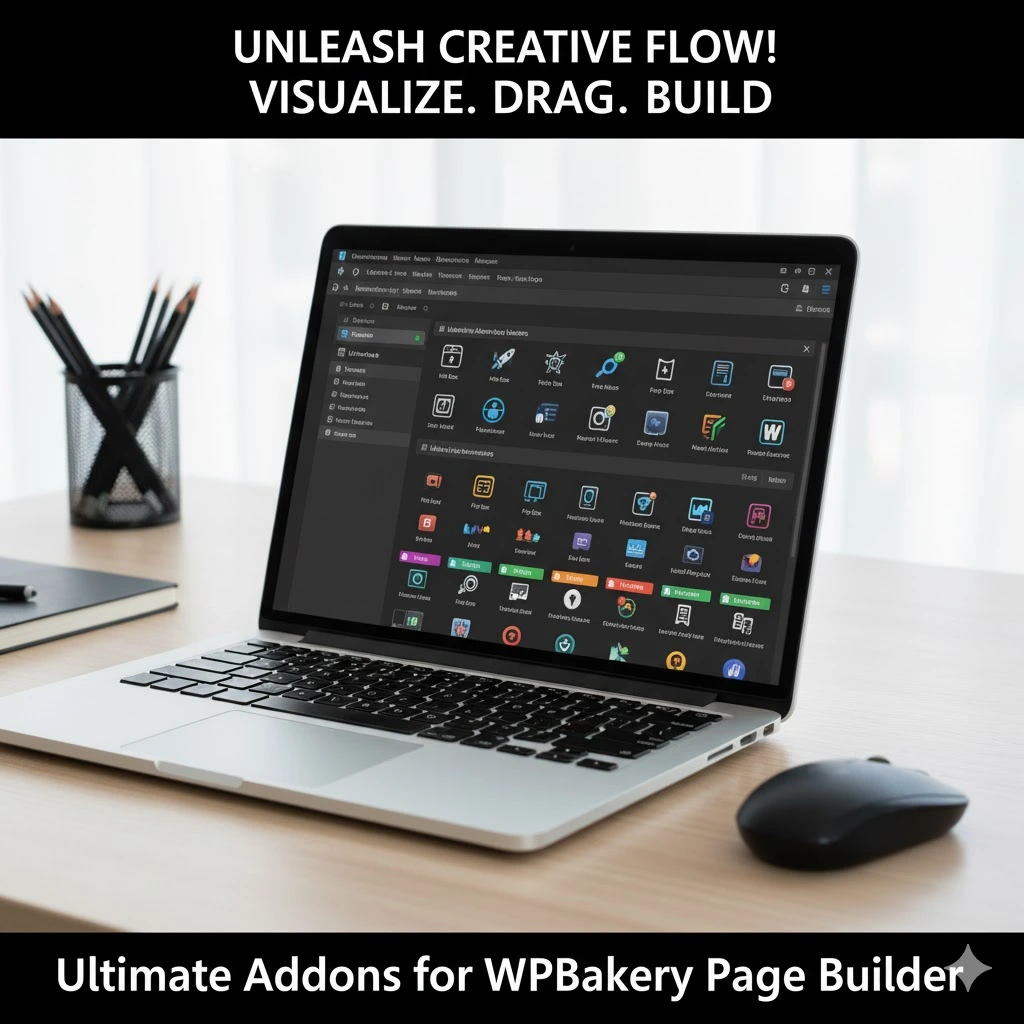
🚀 A Massive Library of Premium Elements (Modules)
The core value is the huge collection of unique elements that go way beyond WPBakery’s default offerings. We’re talking about highly functional and stylish modules like:
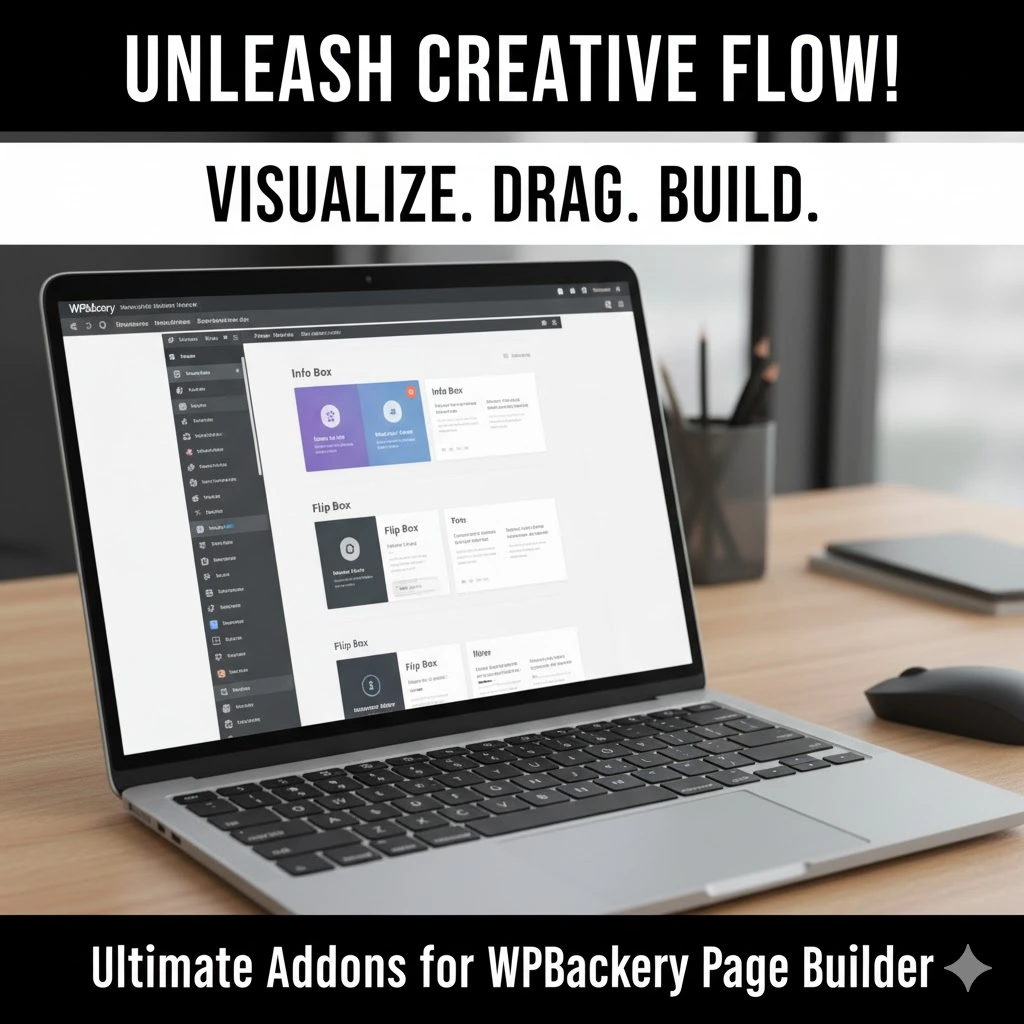
- Info Box: The ultimate way to highlight features, services, or key data with icons, text, and custom styling. It’s a modern classic.
- Interactive Banner: Turn static images into dynamic, call-to-action powerhouses with beautiful hover effects and integrated links.
- Flip Box: This is pure engagement gold! An element that flips on hover to show different information or a Call-to-Action on the back, complete with cool CSS3 animation.
- Counter/Stat Counter: Animate your milestones and achievements with rolling numbers to impress visitors with your success (e.g., “500+ Happy Clients”).
- Info List: Say goodbye to boring HTML bullet points. These elements let you create visually stunning, icon-driven lists for processes, steps, or feature highlights.
- Modal Popup Box: Easily create customizable popups triggered by clicks or other elements—perfect for opt-ins, offers, or contact forms.
- Advanced Carousels: Beyond basic sliders, these let you create feature sections, testimonials, or image galleries that truly stand out.
- Timeline: A visually appealing way to display history, a project roadmap, or a process flow on your page.
- Advanced Button: Custom styling options that put the basic wpbakery button to shame. Think gradients, hover effects, and icon integration.
- Row Backgrounds on Steroids: Get access to amazing background effects like parallax (horizontal, vertical, and fixed image), video backgrounds, and even multilayer hover parallax!
🎨 Icon Fonts Manager: Thousands of Icons at Your Fingertips
- Forget searching for separate icon plugins! This addon gives you access to a massive library of over 3500+ free icons (like Font Awesome, IconMoon, and more) that you can easily manage and integrate into any element on your page. This saves a huge amount of time and keeps your design visually consistent.
⚙️ Performance and Clean Code
- Brainstorm Force is known for clean, optimized code. This means the elements are built to load fast, which is crucial for SEO and user experience. They also offer options to only load the elements you need, preventing unnecessary bloat.
🧩 Seamless Integration and Compatibility
- It was built specifically to work with WPBakery Page Builder (the original, shortcode-based version). It integrates directly into the editor interface, so it feels like a natural extension of the core plugin. It’s designed to be fully responsive and work with virtually any WordPress theme.
2. Why You Need This: The Core Benefits
So, what does this massive feature set actually do for you?
Benefit Category | The Game-Changer | Why It Matters to You |
Time Savings | Pre-designed, highly customizable elements. | Business Owners & Agencies: Drastically cut down on development time. Stop custom-coding complicated sections like flip boxes or interactive banners. Build pages in hours, not days. |
Professional Design | Unique elements like Info Boxes, Timelines, and Parallax backgrounds. | Web Designers & Website Owners: Your sites instantly look more modern, professional, and bespoke. Say goodbye to the generic WPBakery look and hello to a premium design aesthetic. |
Increased Engagement | Interactive elements (Flip Box, Interactive Banners, Counters). | Bloggers & Marketers: More dynamic content keeps visitors on the page longer, reduces bounce rate, and clearly directs attention to key Call-to-Actions (CTAs). |
Simplified Workflow | Everything is contained within the familiar WPBakery interface. | Everyone: No need to jump between multiple plugins or learn new interfaces. You drop the new element, customize it via the familiar settings panels, and you’re done. |
Reliability | Developed by a renowned WordPress company (Brainstorm Force). | Agencies & Developers: You know the code is clean, regularly updated, and you have dedicated support if issues arise—less risk for client projects. |

3. Ultimate Addons vs. The CompetitionAdd Your Heading Text Here
You might be thinking, “But aren’t there other WPBakery add-ons?” Yes, there are many on platforms like CodeCanyon! And then there’s the whole other world of page builders.
Let’s break down how Ultimate Addons for WPBakery Page Builder stacks up:
Versus Other WPBakery Add-on Bundles
- The Problem with Others: Many smaller, cheaper add-on bundles are often created by solo developers. While they might have a few cool elements, they often lack the breadth, the consistent code quality, and the reliable, long-term support of a major player. They can lead to code bloat and performance issues.
- The Ultimate Addons Difference: This is a comprehensive, trusted solution backed by Brainstorm Force. It’s one of the highest-rated and most purchased add-ons for the platform, which speaks to its quality, reliability, and continuous updates. You’re buying a whole, cohesive toolbox, not just a few scattered hammers.
Versus Other Page Builders (Elementor/Divi/Beaver Builder)
This is a different comparison, as Ultimate Addons extends WPBakery, it doesn’t replace it.
Feature | Ultimate Addons for WPBakery | Elementor Pro / Divi |
Core Concept | Extends the existing WPBakery functionality. | Is a complete, separate page builder platform. |
Best For | Users already locked into a theme that uses WPBakery, or who prefer WPBakery’s dual (backend/frontend) editing model. | Users who want a pure front-end, live-visual editing experience, or are starting a project from scratch. |
Code Footprint | Adds to WPBakery’s shortcode structure. Can be lighter if only a few modules are used. | Generates cleaner, non-shortcode-based markup (generally better for long-term code cleanliness). |
UI Experience | Familiar WPBakery pop-up settings panels. | Modern, dedicated sidebar editor for live changes. |
Switching Later | Can leave behind shortcode “clutter” if you uninstall WPBakery. | Minimal code remnants, easier to switch to another builder or Gutenberg. |
The Bottom Line: If you’re starting a new site and have no allegiance, Elementor Pro or Divi might offer a more modern editing experience. HOWEVER, if you or your clients are already using a premium theme that bundles WPBakery, or if you have dozens of pages built with WPBakery, buying Ultimate Addons is the most efficient and cost-effective way to dramatically upgrade your site’s capabilities without having to rebuild every page in a new builder.
4. Who Is This Plugin Best Suited For?
This powerful add-on isn’t for everyone—it’s for people who fit a specific need:
- The WPBakery Theme Owner: You bought a premium theme (e.g., on ThemeForest) that came bundled with WPBakery Page Builder. You can’t or don’t want to switch builders, but you’re frustrated by the lack of cool elements. This is your perfect solution.
- The Time-Constrained Business Owner: You want your “About Us” page to feature an awesome animated Counter for your achievements and a stylish Team section, but you don’t have time to hire a developer. This allows you to build it yourself, quickly and easily.
- The Agency/Web Designer: You manage multiple client sites built on WPBakery. This gives you a reusable, reliable set of premium elements that you can deploy across all projects to deliver a higher-quality website without custom development.
- The Advanced Blogger/Marketer: You use your WordPress site for lead generation. You need highly visible, engaging CTAs, popups, and visually-rich feature boxes to capture attention. The Flip Box and Modal Popup features alone make this worth the investment.
5. Pros and Cons: A Quick Look
To keep things balanced, here’s a quick-fire list of the good and the less-good:
👍 Pros (The Good Stuff) | 👎 Cons (Keep in Mind) |
Massive Element Library: Provides a huge range of high-quality, modern modules (Info Boxes, Flip Boxes, Timelines, etc.). | Requires WPBakery: It’s an add-on, so you must already own and use the core WPBakery Page Builder plugin. |
Seamless Integration: It installs and works instantly within the existing WPBakery interface, virtually no learning curve. | Shortcode Dependency: It inherits WPBakery’s use of shortcodes, which can be messy if you ever decide to delete the builder completely. |
Exceptional Row Effects: Unique Parallax and Video Background options dramatically enhance visual appeal. | Can Be Overwhelming: The sheer number of elements can be daunting for a complete beginner if they don’t know what to look for. |
Reliable Development: Backed by Brainstorm Force, ensuring clean code, consistent updates, and dedicated support. | Not a “Visual” Builder: It uses WPBakery’s editing style (backend editor + frontend preview), which isn’t the true real-time, side-by-side editing of competitors like Elementor. |
Icon Manager Included: Thousands of icons integrated and easily accessible across all elements. | Extra Cost: It’s an extra purchase on top of the WPBakery plugin cost (unless it’s bundled with your theme). |
6. What's the Damage? Pricing Breakdown
Compared to the subscription models of some competitors, the pricing for Ultimate Addons for WPBakery Page Builder is refreshingly straightforward and offers incredible value, especially for web professionals.
- Price Model: It’s usually sold as a single, one-time purchase via CodeCanyon.
- Approximate Cost: It generally costs around $26 to $28 USD (check the official CodeCanyon page for the current price).
What You Get: This single purchase typically includes:
- Lifetime access to all the features.
- 6 months of premium, dedicated support (extendable).
- Future updates to the plugin.
The Value: For less than the cost of a single dinner out, you get a lifetime license that can be used on unlimited websites (Agency license) or a single website (Regular license) – depending on the license type you choose. This is one of the best value propositions in the WordPress ecosystem, especially for agencies. You buy it once, and you can use those advanced elements on every client site you build with WPBakery.

7. How to Unleash the Power: The "How-To" Section
You’ll be surprised how easy it is to start using these awesome features. Assuming you already have WPBakery Page Builder installed and active:
Step 1: Purchase and Install the Plugin
- Buy the Add-on: Purchase the Ultimate Addons for WPBakery Page Builder from CodeCanyon or the official developer website.
- Download: Download the plugin’s ZIP file to your computer.
- Upload to WordPress: In your WordPress dashboard, navigate to Plugins > Add New > Upload Plugin. Choose the ZIP file you just downloaded and click Install Now.
- Activate: Once installed, click Activate Plugin.
Step 2: Access the New Elements
- Edit a Page: Go to an existing page or create a new one using WPBakery Page Builder.
- Add Element: Click the big “+” button to add a new element (either in the backend editor or the frontend editor).
- Find the New Tab: Instead of just seeing the default WPBakery elements, you will now see a new section or tab dedicated to the Ultimate Addons elements (often labeled “Ultimate Addons” or similar).
- Drop and Drag: Select an element—say, the Flip Box—and drag it onto your page layout.
Step 3: Configure and Customize
- Open Settings: Click the pencil icon on your newly added element to open its settings panel.
- Customize Content: Here, you’ll find custom tabs to set up the content for the front and back of the Flip Box, including text, icons, and CTAs.
- Style It Up: Dive into the Design Options or Style tabs to control colors, typography, border styles, and most importantly, the cool CSS animation effects and hover speed!
Pro Tip: Take five minutes to explore all the new elements in the element library. Knowing what’s available (like the “Timeline” or “Info Circle”) will fundamentally change how you approach your page layouts!
8. Frequently Asked Questions (FAQs)
Q1: Do I need WPBakery Page Builder to use Ultimate Addons?
A: Yes, absolutely. The Ultimate Addons for WPBakery Page Builder is an extension, not a standalone product. It requires the core WPBakery Page Builder plugin to be installed and active on your WordPress site to function.
Q2: I have Visual Composer. Is that the same thing as WPBakery Page Builder?
A: This can be confusing! Historically, WPBakery Page Builder was named Visual Composer. The developer later split the product into two different plugins:
- WPBakery Page Builder (the shortcode-based page builder, typically bundled with premium themes).
- Visual Composer (a new, separate website builder with live-editing features).
The Ultimate Addons plugin is designed for and works with the original WPBakery Page Builder. If you have a theme that includes a plugin named “WPBakery Page Builder,” this is the add-on you need.
Q3: Will using this plugin slow down my website?
A: The plugin is developed by a reputable team (Brainstorm Force) known for clean code. It is designed to be well-optimized. However, any page builder or add-on, if misused (e.g., adding dozens of elements to one page or using unoptimized images), can slow a site down. The good news is that the Ultimate Addons usually gives you controls to only load the features you use, which helps keep the footprint small.
Q4: Are the updates free?
A: Yes. When you purchase the plugin from CodeCanyon, you generally get lifetime updates included with your one-time purchase, ensuring your elements remain compatible with the latest versions of WPBakery and WordPress.
Q5: Can I use the elements in a custom post type (like a portfolio or testimonial)?
A: If your WPBakery Page Builder settings are configured to allow the builder on those custom post types, then yes, the Ultimate Addons elements will be available there as well. They integrate seamlessly into the WPBakery interface wherever it’s enabled.

Final Recommendation: Get It, Seriously.
If you are currently, or frequently, using WPBakery Page Builder (the original shortcode-based version) on your own site, client sites, or agency projects, then purchasing the Ultimate Addons for WPBakery Page Builder is a no-brainer.
It instantly fixes the main complaint about the core WPBakery plugin—its somewhat basic, dated elements—by injecting a massive, modern, and highly-functional library of modules.
Don’t rebuild your site in a new builder just because you need better features.
For a minimal, one-time investment, you unlock a universe of design potential that will save you countless hours of custom coding and allow you to deliver genuinely high-quality, engaging, and professional websites. It’s the ultimate accelerator for the wp bakery page builder workflow.
Go Ultimate. Your website (and your clients) will thank you!
