


“This post includes affiliate links, which help support my site! If you decide to purchase something after clicking one, I’ll receive a commission, but the price you pay stays exactly the same. Thanks so much for reading and supporting the blog!”
Tired of Being Invisible? Why Schema Pro is the WordPress Plugin That Gets You Noticed
Let’s be honest. You spend hours, maybe even days, crafting the perfect blog post, building that sleek new product page, or writing a killer recipe. You hit publish, and… crickets.
You’re following all the SEO rules—great title, good content, fast site—but you’re still not getting the traffic you deserve. Sound familiar?
The truth is, SEO has evolved way past just keywords and meta descriptions. These days, to dominate Google, you need to speak its secret language: Schema Markup, also known as structured data. And if you’re running a WordPress site, there is one dedicated tool that makes this complex process ridiculously simple: Schema Pro.
This isn’t just another dry plugin review. We’re going to dive deep into exactly what Schema Pro does, why it’s worth the investment, how it stacks up against the big-name SEO plugins, and whether it’s the missing piece to your traffic puzzle.
Ready to stop blending in and start shining with those eye-catching “Rich Snippets”? Let’s get into the world of WP Schema perfection.
What Exactly is Schema, and Why Do I Need Schema Pro?
Think of your website as a novel. Google is a smart but very busy librarian. When it scans your novel, it sees a title, chapters, and a lot of text.
Schema Markup is like adding a detailed, color-coded index to that novel. It tells Google, “Hey, this page isn’t just a bunch of words; it’s a Recipe with a 4.5-star rating, a cook time of 30 minutes, and 5 ingredients,” or “This is a Product that costs $99 and is in stock.”
When Google understands your content this precisely, it rewards you with something priceless: Rich Snippets.
These are the fancy, enhanced listings in search results—the star ratings, the product price and availability, the estimated cook time, or the FAQ accordion that expands right in the search results page.
The problem? Writing schema code (JSON-LD, specifically) from scratch is a massive pain, even for developers. That’s where the schema pro wordpress plugin swoops in. It’s built to automate all that hard work, allowing you to add proper, Google-compliant schema to your entire site without ever touching a line of code.

The “Why”: Key Benefits and Standout Qualities
If you’re wondering if this is just “nice to have,” let’s be crystal clear: Schema is a must-have. And Schema Pro is one of the best ways to implement it.
- The Holy Grail: Better Rich Snippets & Higher CTR
The most immediate and obvious benefit is the rich snippet. Imagine you’re searching for a product. Which result are you clicking? The one with just a blue link and black text, or the one right next to it that shows bright yellow stars, the price, and a stock status?
Studies show that search results with rich snippets can see a Click-Through Rate (CTR) increase of up to 30%. More clicks mean more traffic, even if your ranking position hasn’t changed. Schema Pro’s dedicated focus ensures your markup is implemented correctly to maximize your chances of getting those snippets.
- Full Automation & Time Savings
This is arguably Schema Pro’s biggest selling point. With most standard SEO plugins, you have to go into each post or page and manually select the schema type and fill in the fields. It’s tedious.
Schema Pro lets you set rules once and apply them globally. Want to add BlogPosting schema to all your blog posts? Done in a few clicks. Want to apply Product schema to a specific WooCommerce category? Easy. This automation is a massive time-saver, especially for large sites or agencies.
- Lightweight and No Bloat
Schema Pro is developed by Brainstorm Force, the same folks behind Astra Theme. They know performance matters. Unlike an all-in-one SEO tool, Schema Pro is a dedicated WP schema pro plugin. It focuses only on structured data, keeping it lightweight and ensuring it doesn’t bog down your site speed. It implements Google’s preferred format, JSON-LD, which is fast and clean.
- Seamless Integration with Everything
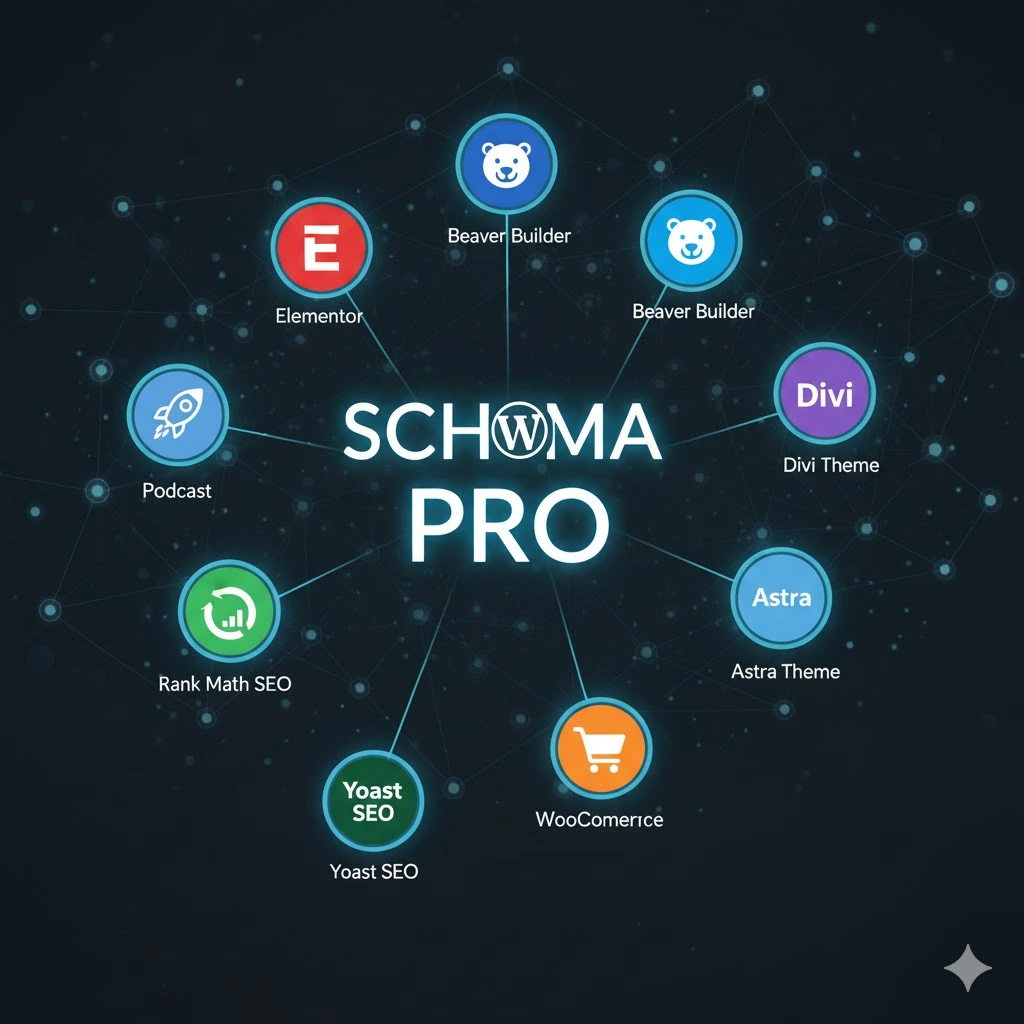
Worried it will clash with your existing SEO plugin? Don’t be. Schema Pro is designed to work with Yoast SEO, Rank Math, and All in One SEO. It doesn’t interfere with their core functions (like sitemaps or on-page analysis); it simply takes over the advanced schema implementation, preventing duplicate markup conflicts.
Core Features of Schema Pro
The plugin is simple to use but powerful under the hood. Here are the features that make it a premium tool:
Feature | Description | Who Benefits Most? |
20+ Schema Types | Supports almost every major type: Article, Review, Product, Recipe, Event, Local Business, HowTo, FAQ, Course, Service, and more. | Bloggers, eCommerce, Service Businesses. |
Automatic Schema Application | Set simple rules to apply schema to entire post types, categories, tags, or specific pages instantly. | Large sites, Agencies, Time-conscious users. |
Advanced Field Mapping | Map schema fields (like author, date, image) to existing WordPress data, custom fields, or WooCommerce fields. | Developers, Advanced users needing specific data. |
WooCommerce Integration | Automatically adds comprehensive Product schema, pulling data like price, ratings, and stock status. | eCommerce store owners. |
Setup Wizard & Testing | A simple 3-step setup wizard guides you. Includes a one-click link to test your schema with Google’s Rich Results Test tool. | Everyone, especially beginners. |
Schema Pro vs. The Competition
You’re probably asking: “My free SEO plugin already has schema, so why pay for Schema Pro?” That’s a great question, and it highlights the key difference between an all-in-one SEO tool and a dedicated schema plugin.
- Schema Pro vs. Rank Math / All in One SEO (AIOSEO)
Both Rank Math and AIOSEO have excellent, built-in schema generators—some even free. However, a dedicated plugin like Schema Pro often offers a deeper, more refined, and more automated experience:
Feature | Schema Pro (Dedicated Paid) | Rank Math / AIOSEO (All-in-One) |
Primary Focus | Exclusively Schema Markup. Deep configuration and automation are the core feature. | Comprehensive SEO (Sitemaps, Content Analysis, Redirections) plus schema. |
Automation & Rules | Industry-leading, robust rules engine for sitewide application. Set once, forget it. | Generally good, but sometimes requires post-by-post intervention or fewer advanced conditional rules. |
Lightweight | Extremely lightweight. Doesn’t carry the weight of sitemaps, analytics, or content AI tools. | Can be more “feature-rich” (i.e., heavy) due to integrating every SEO function imaginable. |
Conflict Management | Designed to play nice. If you use Rank Math for SEO analysis, Schema Pro simply handles the structured data. | Can sometimes lead to duplicate schema markup if not configured perfectly. |
In Google Sheets exportieren
The Verdict: If you are a high-volume blogger, run a busy eCommerce site, or work on client sites where flawless, automated schema is critical and you already love your existing SEO plugin, Schema Pro is the superior, dedicated choice. If you’re a small blogger who wants basic Article schema and wants one plugin to do it all, the built-in free options might suffice.
- Schema Pro vs. Other Dedicated Tools (e.g., Schema App)
Other dedicated tools exist, often focusing on enterprise-level needs or specific schema types. Schema Pro shines by offering an Agency-friendly, all-purpose, high-automation solution that is still remarkably user-friendly and affordable compared to some of the monthly-fee enterprise tools.
Who is Schema Pro Best Suited For?
The simple answer is anyone serious about maximizing their visibility on Google. But let’s break down the main audience groups:
- Agencies & Freelancers: You manage dozens of client sites. You need to implement schema fast and correctly across all of them. The automation and unlimited domain license make it an essential tool for scaling your SEO services.
- eCommerce Store Owners: You need perfect Product schema to show up with prices, ratings, and stock. The WooCommerce integration is a huge selling point.
- High-Volume Bloggers & Publishers: You are constantly publishing articles, recipes, and reviews. The sitewide automation for Article, Recipe, and Review schema saves hours of manual work every week.
- Local Businesses: You need precise Local Business schema to nail your appearance in Google Maps and local search results.
- Developers & Web Designers: You want a clean, reliable, and standardized way to deploy JSON-LD structured data on client builds without writing code or worrying about conflicts.
If you don’t fit these descriptions—say you run a tiny hobby blog and only need basic article schema—you can likely get by with the free features in Rank Math or AIOSEO. But if traffic and search visibility are a core part of your business, Schema Pro is a powerful accelerator.

The Bottom Line: Pricing
Schema Pro uses a straightforward pricing model developed by Brainstorm Force. The key takeaway is that their licenses are generally unlimited domain licenses, which is fantastic value, especially for agencies.
Plan | Price (Approx.) | Key Detail | Best For |
Annual License | $79/year | Includes 1 year of support and updates. Unlimited domains. | Agencies, Freelancers, Business owners who like predictable fees. |
Lifetime License | $249 (One-time fee) | Lifetime updates and support. Unlimited domains. | Long-term website owners, Agencies who want to save money over time. |
Note: Pricing is subject to change, but these figures are representative of the current structure.
The value proposition is clear: for $79, you can install perfect schema on every website you own or manage. Compared to the cost of a developer to manually manage schema, this is a no-brainer investment.
Pros and Cons of Schema Pro
No product is perfect. Here’s a balanced look at the good and the bad.
👍 Pros (The Good Stuff)
- Unmatched Automation: The best in the business for setting up sitewide, conditional schema rules.
- Huge Range of Schema Types: With over 20 types, it covers almost every imaginable content scenario.
- Performance: Lightweight design; it focuses only on schema and doesn’t slow down your WordPress site.
- JSON-LD Format: Uses the structured data format recommended by Google.
- Unlimited Domain Usage: Excellent value for agencies and users with multiple sites.
- Developer Reputation: Developed by Brainstorm Force, known for reliable, well-coded WordPress products.
👎 Cons (The Not-So-Good Stuff)
- No Free Version: Unlike its competitors, there is no free option to test its premium features (though they offer a 14-day money-back guarantee).
- Only Schema: It doesn’t handle your other SEO needs (like sitemaps, robots.txt, or basic on-page analysis). You still need a core SEO plugin.
Learning Curve for Advanced Mapping: While the basic setup is easy, utilizing its advanced field mapping with custom fields might require a slight learning curve.

How To Section: Setting Up Schema Pro (The Easy Way)
One of the great things about Schema Pro is its simplicity. You can literally be up and running with sitewide schema in under 10 minutes.
Step 1: Install, Activate, and Run the Setup Wizard
- Purchase and Download: Once you purchase Schema Pro, download the zip file from your Brainstorm Force account.
- Install: Go to your WordPress Dashboard > Plugins > Add New > Upload Plugin. Upload the zip file and click Install Now, then Activate.
- License: Enter your license key from your account dashboard to ensure you get updates and support.
- Launch Wizard: Go to Schema Pro > Configuration and click the Start setup wizard button. The wizard will walk you through general settings like whether your site represents a Person or an Organization and your social profiles—this forms your global schema foundation.
Step 2: Create Your First Schema Rule
This is where the magic happens. We’ll set up a rule for all blog posts.
- Go to Schema Pro > Schemas and click Add New.
- Select Schema Type: Choose the schema type you want to apply. For blog posts, select Article.
- Choose Target Pages: This is the core of the automation. On the next screen, you’ll set your display rules. For example:
- Rule: “Enable on all posts in the category All Posts.”
- Result: Every new and old post will automatically get Article schema. You can also exclude specific posts if needed.
Step 3: Map the Content Fields
This step links the schema data points to your actual WordPress data.
- Click Complete Setup after setting your rules.
- You will see a list of required fields for the Article schema (e.g., Headline, Author, Image, Publish Date).
- Use the dropdown menu next to each field to map it to the correct WordPress variable (e.g., Headline -> Title, Image -> Featured Image, Author -> Author Name).
- For fields like Publisher Name or Publisher Logo, you can map them to the global settings you set in Step 1.
Step 4: Test and Publish
- Save your new schema rule.
- Visit any post that should have the new schema. In your admin bar, you will see a Test Schema link.
- Click this link to run your page through Google’s Rich Results Test tool. If it passes (which it almost always will with Schema Pro), you are good to go!

Final Recommendation
For any WordPress site owner, developer, or agency where organic traffic and rich snippets are a central business goal, Schema Pro is an unparalleled tool. It solves the biggest problem with structured data—the tedious manual setup—through robust, reliable automation.
While core SEO plugins like Rank Math have closed the gap, Schema Pro remains the gold standard for deep, customizable, and conflict-free schema implementation. It’s a dedicated, premium investment that pays dividends through higher CTR and better search visibility. Stop wasting time writing code and let wp schema pro handle the technical complexity.
Frequently Asked Questions (FAQs)
- Can I use Schema Pro with Rank Math or Yoast SEO?
Absolutely, yes. Schema Pro is designed to integrate seamlessly. It focuses exclusively on structured data, while Rank Math or Yoast can handle your other SEO functions (sitemaps, analysis, etc.). Schema Pro has built-in features to ensure there’s no duplicate schema markup, preventing conflicts.
- Why doesn’t Schema Pro offer a free version?
Schema Pro is a dedicated, premium tool focused on high-quality automation and advanced schema types (like Local Business, Course, and Review) that are typically only available in the paid tiers of all-in-one plugins. The developers chose to focus their resources on offering a superior paid product with exceptional support and unlimited domain use, rather than a limited free tier.
- Will Schema Pro slow down my website?
No. Schema Pro is developed to be lightweight and fast. It implements schema using Google’s recommended JSON-LD format, which loads quickly without affecting your page speed score. Since it’s a dedicated plugin, it avoids the bloat that can sometimes come with feature-heavy, all-in-one SEO suites.
- How quickly will I see Rich Snippets after installing Schema Pro?
Once Schema Pro is installed and configured, the schema is live on your pages immediately. However, Google controls when it decides to crawl your pages, validate the markup, and display the rich snippets. It can take anywhere from a few days to a few weeks. The key is to ensure your markup is valid using the built-in testing tool—Schema Pro ensures the format is correct, so the rest is up to Google’s timetable!
Extended Conclusion
The path to SEO success is built on clarity. The clearer you are with search engines about your content, the better they can serve it to the right audience. Schema Markup is the clearest language you can speak.
We’ve seen the landscape shift dramatically. Five years ago, only major brands worried about structured data. Today, it’s a necessary battlefield for everyone—from the solo blogger chasing recipe traffic to the multinational eCommerce store needing those precious product ratings.
Schema Pro isn’t just about adding a few lines of code; it’s about investing in an automated system that correctly translates your hard work into Google’s native tongue. By utilizing its robust automation, its comprehensive range of schema types, and its commitment to clean, fast code, you are not just ticking an SEO box—you are fundamentally changing how your website is perceived in the search results.
In the highly competitive world of wp schema, dedicated focus wins. If you’re ready to stop relying on basic schema and start actively earning those high-CTR rich snippets, then it’s time to equip your WordPress site with the tool trusted by agencies and top-tier professionals. Schema Pro offers a powerful solution that takes a complex, frustrating, and error-prone process and turns it into a simple, automated competitive advantage.
Stop waiting for rich snippets to happen. Go get them.
