

“This post includes affiliate links, which help support my site! If you decide to purchase something after clicking one, I’ll receive a commission, but the price you pay stays exactly the same. Thanks so much for reading and supporting the blog!”
Ultimate Guide to BookingPress: Streamline Your Appointment Booking
Table of Contents
ToggleOverview of BookingPress
Scheduling appointments, managing calendars, and keeping track of bookings can be a daunting challenge for many businesses, especially in today’s fast-paced world. Whether you’re a freelancer, a small business owner, or running a larger enterprise, having a seamless appointment booking system is essential. Booking Press is a powerful and user-friendly plugin designed to make appointment management easy by integrating directly into your WordPress site.
Why Appointment Management is Critical
In today’s busy world, time is one of the most valuable commodities. Your clients expect flexibility and convenience when booking appointments with your business. However, a poorly managed booking system can lead to missed appointments, scheduling conflicts, and dissatisfied customers. This can have a lasting negative impact on your business’s reputation and overall client retention.
This is where Booking Press comes into play. With a robust and efficient appointment calendar, this WordPress plugin helps you streamline your booking process, reduce no-shows, and ensure your clients enjoy a smooth and stress-free booking experience.
Whether you’re in the healthcare industry, operate a beauty salon, or run a fitness studio, managing appointments effectively can drastically improve your business operations. In this guide, we’ll explore how Booking Press addresses the common issues businesses face in managing bookings. From setting up an efficient appointment planner to automating notifications and integrating payment gateways, BookingPress offers a comprehensive solution for anyone looking to simplify appointment scheduling.
Benefits of Using BookingPress
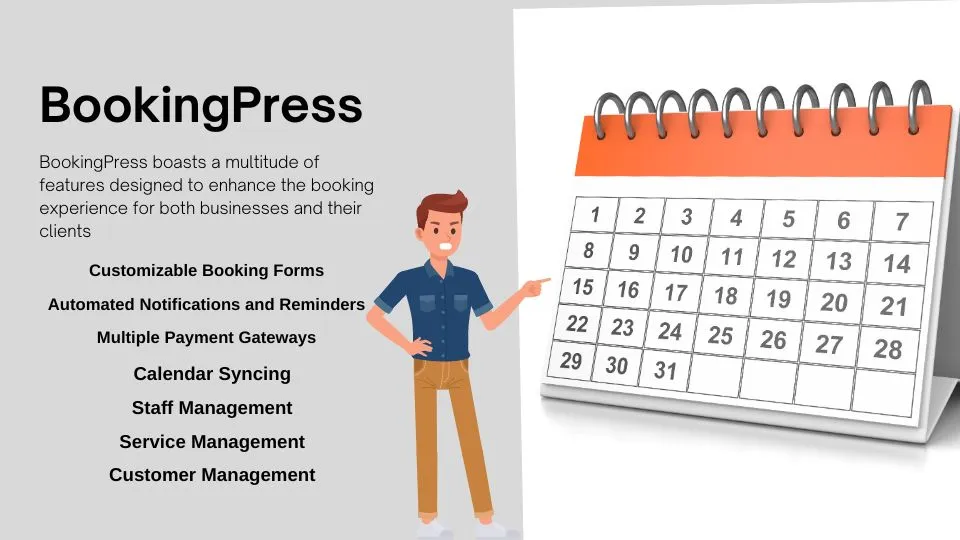
The BookingPress plugin offers a host of game-changing advantages for businesses looking to improve their appointment booking processes. Below are some of the key benefits:
- User-Friendly Interface
One of the standout features of BookingPress is its intuitive and easy-to-navigate interface. You don’t need to be a tech expert to set up or use the plugin. Both businesses and their clients can easily manage appointments without hassle. The plugin’s clean layout and well-organized options ensure that you can focus more on providing excellent services and less on the technical side of things.
- Seamless WordPress Integration
As a plugin developed specifically for WordPress appointment booking, Booking Press integrates effortlessly into your existing WordPress site. With just a few clicks, you can add it to your site without any major downtime or configuration headaches. The plugin works smoothly, with minimal setup time, ensuring your business can quickly start benefiting from an optimized booking system.
- Flexible Scheduling Options
Whether you offer one-on-one consultations, group bookings, or services with varying time slots, Booking Press offers a high degree of flexibility. You can customize booking rules, adjust time slots, and even offer recurring appointments. This allows you to set up your scheduling exactly as needed to accommodate your specific business needs.
- Automated Notifications
One of the key pain points for many businesses is managing client communication and ensuring clients show up for their scheduled appointments. Booking Press solves this with automated notifications. Both clients and administrators receive real-time booking confirmations, reminders, and updates through automated emails or SMS alerts. These timely reminders reduce no-shows and help ensure a smooth and seamless appointment process.
- Mobile-Responsive Design
In an age where more people rely on their smartphones and tablets to manage their daily lives, it’s crucial to have a mobile-friendly booking system. Booking Press features a mobile-responsive design, ensuring that your clients can easily book appointments from any device, at any time. This helps improve your reach and gives your customers the flexibility to book their appointments on the go.
- Customization Features
BookingPress allows for high levels of customization. From branding the booking form to creating unique forms for specific services, you have full control over how your booking system looks and functions. This flexibility ensures that the plugin not only fits your operational needs but also complements your website’s aesthetic and branding.
- Analytics and Reporting
Understanding your booking trends can help you optimize your business strategies. With built-in analytics, Booking Press offers detailed insights into various metrics such as the number of appointments, cancellation rates, and peak booking times. This data helps you make informed decisions about staffing, pricing, and services to boost your business’s overall performance.
- Multiple Staff Management
For businesses with multiple staff members or service providers, BookingPress makes it easy to manage individual schedules. You can assign appointments to specific staff, adjust their availability, and even allow clients to choose their preferred service provider. This makes the booking experience smoother for both the client and the business owner.
- Secure Payment Integration
Handling payments efficiently is essential for many service-oriented businesses. Booking Press integrates with popular payment gateways like PayPal and Stripe, allowing your clients to pay for services directly when booking their appointments. This reduces the hassle of manual payments and helps streamline your revenue management.
- Support for Multiple Languages
If your business caters to a diverse clientele or operates internationally, BookingPress supports multiple languages, ensuring that customers from different regions can easily navigate the booking process in their native language.
Why Appointment Management Matters in the Modern Business World
Having an efficient appointment booking system is no longer a luxury—it’s a necessity in today’s competitive business environment. BookingPress not only offers businesses the opportunity to streamline their booking processes but also enhances the overall client experience. With its rich set of features, customization options, and seamless WordPress integration, Booking Press stands out as a top choice for businesses of all sizes looking to simplify their appointment scheduling.
For any business, having an easy, reliable, and flexible booking system is key to customer satisfaction. By leveraging BookingPress, you can ensure that your customers have a hassle-free experience, leading to higher retention rates, fewer missed appointments, and overall business growth.
Understanding BookingPress
Booking Press is an all-in-one appointment booking solution designed exclusively for WordPress appointment booking systems. Whether you’re managing a salon, spa, or fitness studio, BookingPress offers a highly customizable solution that automates the process of appointment scheduling, eliminating the chaos of manual bookings.
Why BookingPress Stands Out
With multiple appointment calendar integrations and extensive functionalities, Booking Press makes managing bookings as easy as possible. Clients can check availability, make reservations, and even pay for services directly from your website. This not only simplifies the booking process for your customers but also reduces the administrative burden on your end.
Target Audience
Booking Press is designed for a wide range of users, particularly those aged 18 to 45. This demographic is tech-savvy and values convenience, making them ideal candidates for online booking solutions. Whether you’re a service provider or a client, the functionalities offered by BookingPress will resonate with your needs.
Unique Selling Proposition
One of the standout features of BookingPress is its ability to adapt to various types of businesses. Whether you run a healthcare practice that needs strict appointment management or a beauty salon looking to maximize booking efficiency, Booking Press is tailored to meet those specific requirements.
Step-by-Step Guide to Using BookingPress
- Install and Activate the Plugin
The first step in using BookingPress is to install and activate it through your WordPress dashboard. Navigate to the “Plugins” section, search for “BookingPress,” and click install. Once activated, the plugin will be added to your admin panel.
Detailed Installation Steps:
- Log in to your WordPress admin panel.
- Go to “Plugins” > “Add New”.
- Search for “BookingPress”.
- Click on “Install Now” and then “Activate”.
- Once activated, a new menu item for BookingPress will appear in your dashboard.
- Configure Basic Settings
Once the plugin is activated, configure the basic settings such as business hours, available services, and time slots. You can customize each service to include a unique duration, price, and staff assignment, if applicable.
Setting Configuration Steps:
- Go to the BookingPress settings page.
- Define your working hours and breaks.
- Add the services you offer along with pricing.
- Specify appointment durations and buffer times to prevent overlapping bookings.
- Create an Appointment Calendar
You can create an appointment calendar that allows clients to see available slots in real time. BookingPress lets you customize the look and feel of the calendar to match your website’s branding, giving users a smooth booking experience.
Calendar Customization Steps:
- Navigate to the “Calendar” section in Booking Press.
- Choose the calendar style and layout that fits your brand.
- Set availability for each service you offer.
- Ensure that your calendar is synced with any other calendars you may use, such as Google Calendar.
- Set Up Notifications and Reminders
Booking Press offers robust notification features that allow you to set up automated emails and SMS reminders. Clients can receive booking confirmations, reminders before appointments, and even follow-up messages post-service.
Setting Up Notifications:
- Go to the “Notifications” section in Booking Press.
- Customize the templates for emails and SMS notifications.
- Schedule reminders for clients based on your preference (e.g., 24 hours before the appointment).
- Embed the Booking Form on Your Website
After you have set up the services, the next step is to embed the booking form on your WordPress website. The form can be placed on any page or post, and you can customize it to match your site’s aesthetic.
Embedding Steps:
- Go to the “Forms” section within BookingPress.
- Customize the booking form layout and fields.
- Copy the shortcode provided by BookingPress.
- Paste the shortcode into the page or post where you want the booking form to appear.
- Manage Bookings from the Dashboard
One of the best features of Booking Press is its intuitive dashboard, where you can easily manage bookings, reschedule appointments, or cancel them with just a few clicks.
Dashboard Management Steps:
- Access the “Bookings” section in your BookingPress dashboard.
- View a list of all upcoming and past appointments.
- Click on any booking to edit or cancel it as needed.
Top Features of BookingPress
Customizable Booking Forms
Booking Press allows you to fully customize the booking forms that appear on your website. You can add fields for specific client information, adjust time slots, and create conditional logic to tailor the booking experience to your business’s needs.
Customization Options:
- Add custom fields to gather specific client information.
- Adjust the layout of the booking form to improve user experience.
- Implement conditional logic to show or hide certain fields based on user inputs.
- Multiple Payment Gateways
Secure payment handling is key to a successful online booking system. Booking Press supports integration with a wide variety of payment gateways, including PayPal, Stripe, and other options that cater to different regional needs.
Payment Configuration Steps:
- Go to the “Payments” section in BookingPress.
- Choose your preferred payment gateway and enter the necessary API credentials.
- Set up currency and payment options according to your business requirements.
- Mobile-Friendly Design
In today’s mobile-driven world, it’s essential to have a responsive booking system. Booking Press ensures that clients can easily book appointments from their smartphones or tablets without any issues.
Mobile Optimization Features:
- Test the booking form on various devices to ensure responsiveness.
- Utilize the preview feature to see how the form appears on mobile devices.
- Optimize loading times to provide a seamless mobile experience.
- Advanced Appointment Calendar
Booking Press provides a fully customizable appointment calendar, enabling you to manage multiple staff members, services, and locations from one centralized dashboard. You can set up recurring appointments, adjust staff availability, and even offer promotions or discounts.
Calendar Management Features:
- Use color-coding to differentiate between staff members or services in the calendar.
- Easily drag and drop appointments to reschedule them as needed.
- Integrate promotional codes that can be applied during the booking process.
- Automated Email and SMS Notifications
Automated communication keeps your clients in the loop. With Booking Press, you can set up email or SMS notifications to alert clients about upcoming appointments, confirmations, cancellations, or any other updates.
Notification Customization Steps:
- Tailor notification messages to reflect your business tone.
- Schedule notifications for different timeframes (e.g., 30 minutes before an appointment).
- Include links in notifications for clients to reschedule or cancel easily.
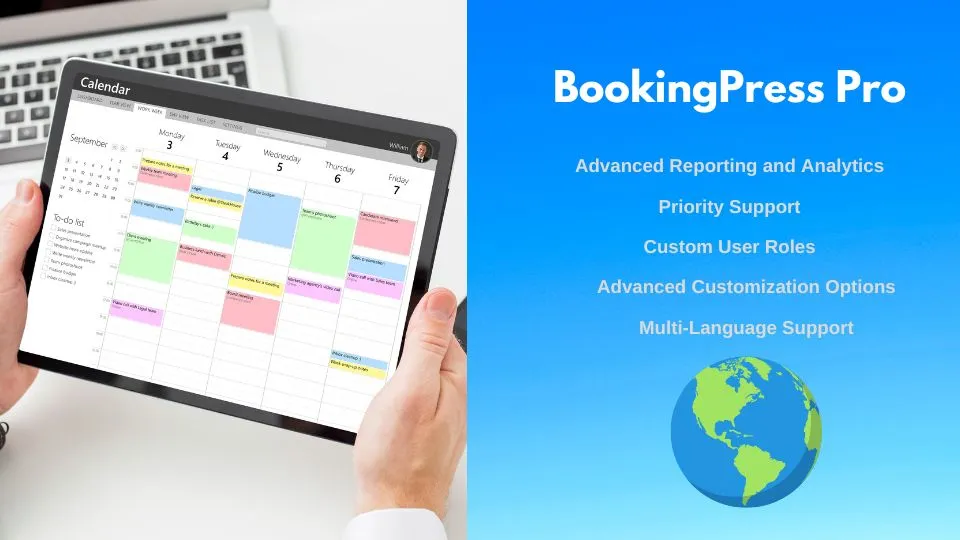
- Reporting and Analytics
With Booking Press, you can keep track of various metrics to analyze your appointment booking performance. This includes tracking cancellations, no-shows, and customer preferences. Understanding these patterns can help you make data-driven decisions for your business.
Analytics Features:
- Generate reports on appointment trends over time.
- Analyze peak booking times to optimize staff scheduling.
- Use customer feedback to improve service offerings.
Final Thoughts
Using BookingPress for your WordPress appointment booking needs offers countless benefits, including streamlined scheduling, enhanced customer experiences, and easier business management. Its powerful features like automated notifications, custom booking forms, and payment integrations make it one of the top appointment planner solutions on the market today.
If you’re ready to simplify your appointment scheduling, give Booking Press a try. What features appeal to you the most about this plugin? Share your thoughts below!
Get Started with Booking Press Now!
Frequently Asked Questions (FAQs)
- Is BookingPress Free?
Yes, Booking Press offers a free version with limited features. However, you can upgrade to the premium version to unlock advanced functionalities like multiple payment gateways and SMS notifications.
- Does BookingPress Work with Any WordPress Theme?
Booking Press is designed to work with most WordPress themes. Its responsive design ensures compatibility across various devices and layouts.
- Can I Integrate BookingPress with Google Calendar?
Yes, BookingPress offers integration with Google Calendar, allowing you to sync appointments and manage your schedule more efficiently.
- What Types of Businesses Can Benefit from BookingPress?
Booking Press is versatile and can benefit a wide range of businesses, including salons, medical practices, fitness studios, and consultancies, making it an excellent choice for various service-oriented industries.
- Can I Customize the Look of the Booking Form?
Absolutely! Booking Press allows you to customize the booking form to match your brand’s aesthetic. You can change colors, fonts, and layouts to create a cohesive look across your website.
- How Do I Handle Cancellations?
With Booking Press, clients can easily cancel or reschedule appointments directly through their confirmation emails or the booking form on your site. You can also manage cancellations from your admin dashboard.
